WhatsApp is the world’s most popular messaging platform with over 2 billion users. When your customers can reach you on WhatsApp, you meet them where they already are — no downloads, no learning curve.
With Twilio’s WhatsApp Business API and the Mango iOS app, you can manage WhatsApp customer support conversations right from your iPhone. Here are five powerful ways to make it work.
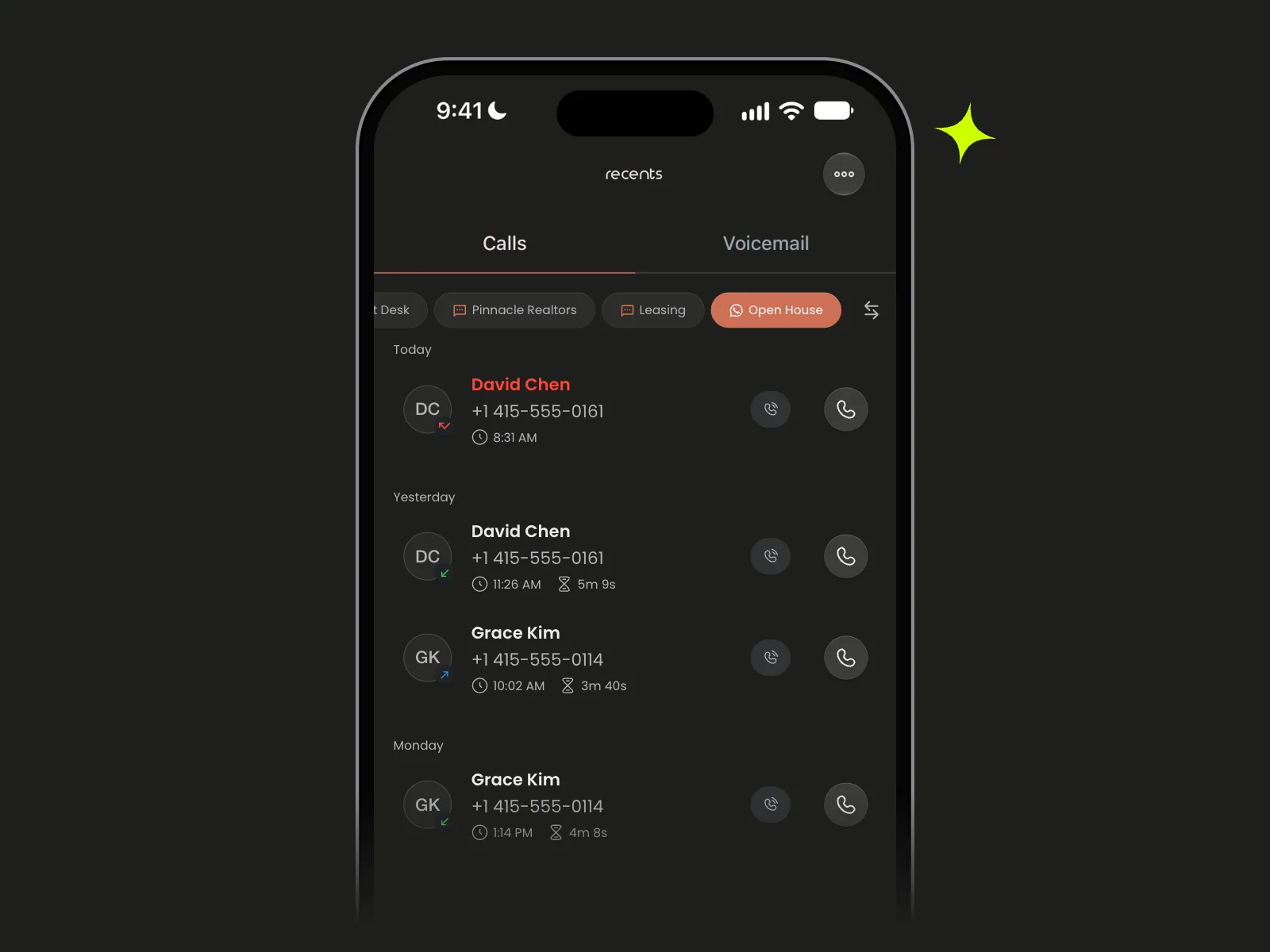
1. Instant Two-Way Messaging
The most straightforward use case: real-time conversations with your customers. When someone messages your Twilio WhatsApp number, you receive it instantly in Mango.
No need to be at a desk. Whether you’re commuting, between meetings, or on the go — just pull out your iPhone and reply.
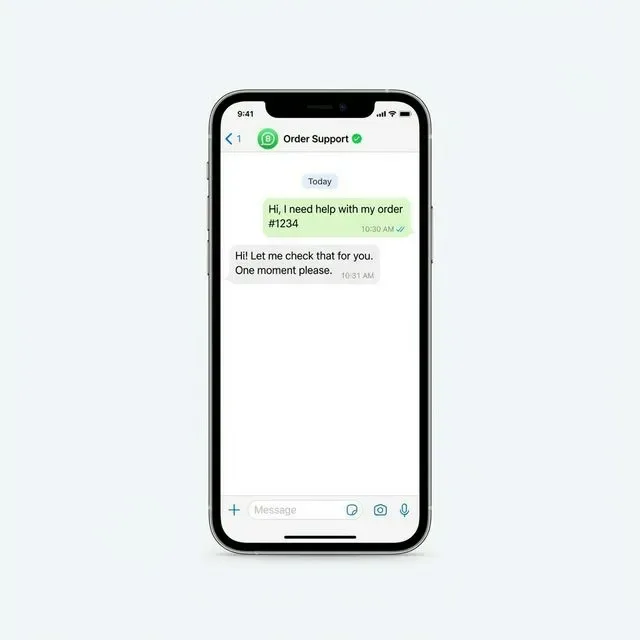
Why it matters:
- Customers get responses in seconds, not hours
- Your support feels personal, not robotic
- No need for a full desktop support dashboard
2. Automated Welcome Messages
First impressions count. Use Twilio Studio to set up an automatic welcome message that fires when a customer messages you for the first time.
Example flow:
- Customer sends “Hi” to your WhatsApp number
- Twilio Studio automatically replies: “Welcome to Mango Support! 👋 How can we help you today?”
- You pick up the conversation in Mango when you’re ready
This way, customers never feel ignored — even if you’re busy.
// Sample Twilio Studio webhook response
{
  "actions": [
    {
      "say": "Welcome to Mango Support! 👋 How can we help you today?"
    }
  ]
}
3. Rich Media Support
WhatsApp isn’t just text. You can send and receive:
- Images — screenshots from customers, product photos from you
- PDFs — invoices, receipts, instruction manuals
- Location pins — helpful for delivery or on-site support
- Voice messages — when typing isn’t convenient
With Mango, all of these appear natively in your conversation thread. You can quickly send a screenshot of your app settings to walk a customer through a configuration, or receive a photo of an error message they’re seeing.
Pro tip: Save frequently sent images (like setup guides or pricing sheets) to your iPhone’s Photos app for quick access during support conversations.
4. Template Messages for Faster Replies
WhatsApp requires pre-approved message templates for outbound messages (messages you send outside of a 24-hour customer-initiated window). While this sounds limiting, it’s actually a productivity superpower.
Create templates for your most common scenarios:
| Template Name | Message |
|---|---|
order_update | Your order {{1}} has been shipped! Tracking: {{2}} |
appointment_reminder | Reminder: Your appointment is scheduled for {{1}} at {{2}} |
payment_received | We’ve received your payment of {{1}}. Thank you! |
issue_resolved | Your support ticket #{{1}} has been resolved. Let us know if you need anything else. |
These templates can be triggered via Twilio’s API, and responses come right back into Mango on your phone.
5. Multi-Channel Support Hub
Here’s where it gets really powerful. With Mango, you’re not limited to WhatsApp. The same app handles:
- Phone calls (VoIP via Twilio)
- SMS / MMS text messages
- RCS (Rich Communication Services)
- WhatsApp messages
That means one app, one phone number, all channels. A customer might call you in the morning, send a WhatsApp message in the afternoon, and follow up via SMS the next day — and you see the full context in Mango.
Getting Started
Setting up WhatsApp through Twilio takes about 15 minutes:
- Apply for WhatsApp access in your Twilio Console
- Register your business with Meta (Facebook) for WhatsApp Business verification
- Connect your Twilio account to Mango (see our guide)
- Start messaging — incoming WhatsApp messages appear in Mango automatically
Bottom Line
WhatsApp customer support isn’t a “nice to have” anymore — it’s expected by customers worldwide. With Twilio handling the infrastructure and Mango putting it all in your pocket, you can provide enterprise-grade support without an enterprise-grade budget.
Start your free trial of Mango today and see how easy WhatsApp support can be.
Have questions about setting up WhatsApp with Mango? Reach out to us — we’re happy to help.