Missed calls are easy. It’s the two-minute voicemail you have to play three times that slows you down. With voicemail transcription for your Twilio numbers, Mango lets you read what the caller said instead.
TL;DR: Mango turns voicemails on your Twilio numbers into transcripts that sit in the same conversation thread as your calls and texts. Skim what a caller said in seconds — no playback needed. Voicemail and transcripts are a Mango Pro feature.

Read Voicemails Instead of Playing Them
When someone leaves a voicemail, Mango drops the message and its transcript right inside that contact’s conversation thread — next to the missed call and any texts you’ve exchanged.
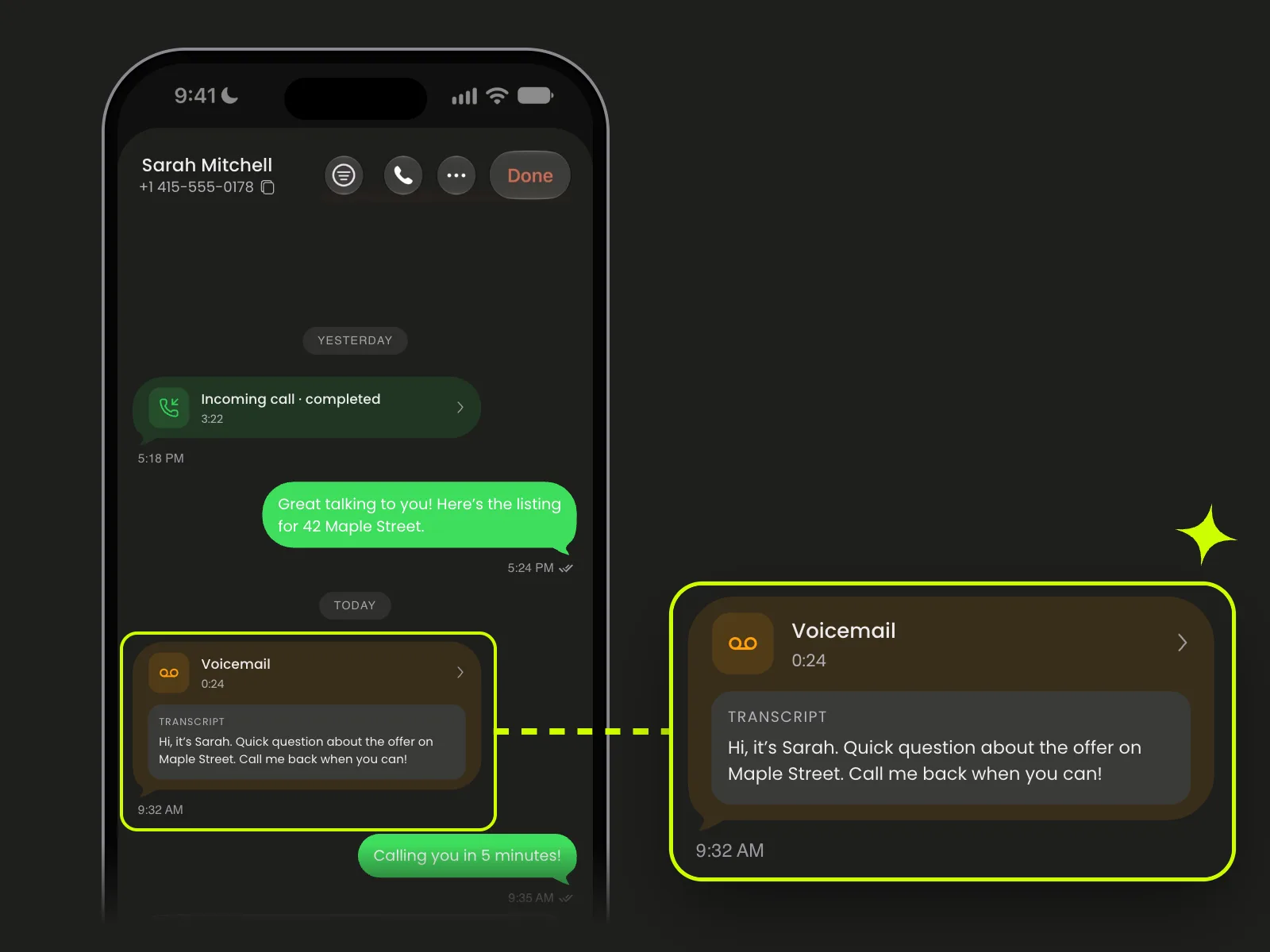
Every voicemail lands in the thread, next to calls and texts.
Each bubble shows the recording length and a Transcript box with the caller’s words, so you can skim what they said in seconds — no headphones, no scribbled notes.
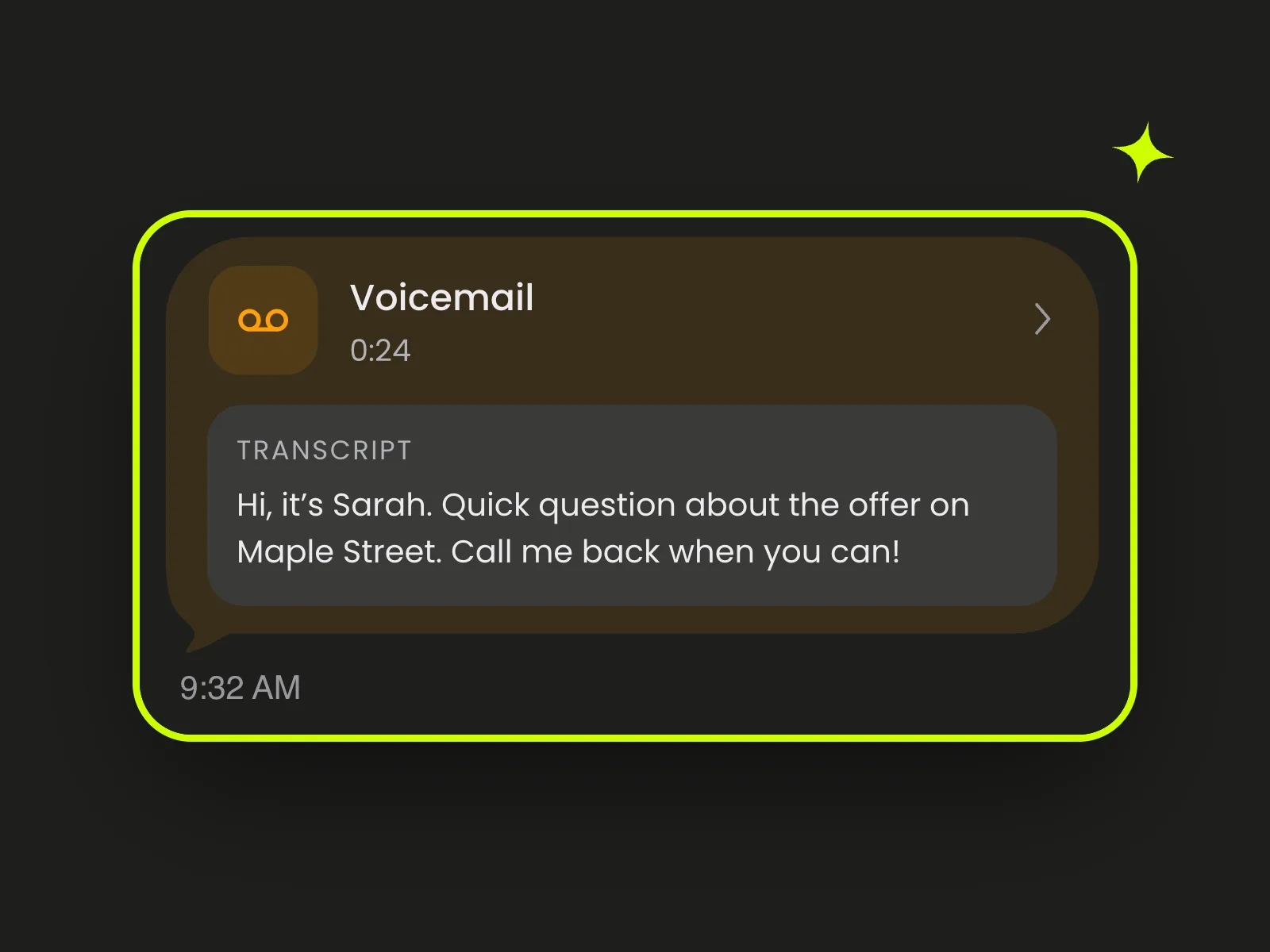
Read the message without pressing play.
Pair It with Business Hours
Business Hours (also Pro) can auto-route after-hours calls straight to voicemail with a “we’re closed” greeting. Each of those messages lands in the thread, transcribed and ready to read in the morning. Here’s how to set up Business Hours.
A 45-second walkthrough of Business Hours and after-hours voicemail.
What It Costs
Voicemail and transcripts come with Mango Pro: $29.99/year — just $2.50/month, billed annually — with unlimited accounts, numbers, and devices. On any plan, you pay Twilio directly for your number and usage.
Get Started
- Download Mango on your iPhone or iPad.
- Sign in and connect Twilio with your Account SID and Auth Token.
- Enable your numbers for Voice.
- Upgrade to Pro to turn on voicemail and transcripts.
Mango is not affiliated with Twilio Inc.